
Google Review Cards NFC: Custom Business Tools That Fit Your Brand
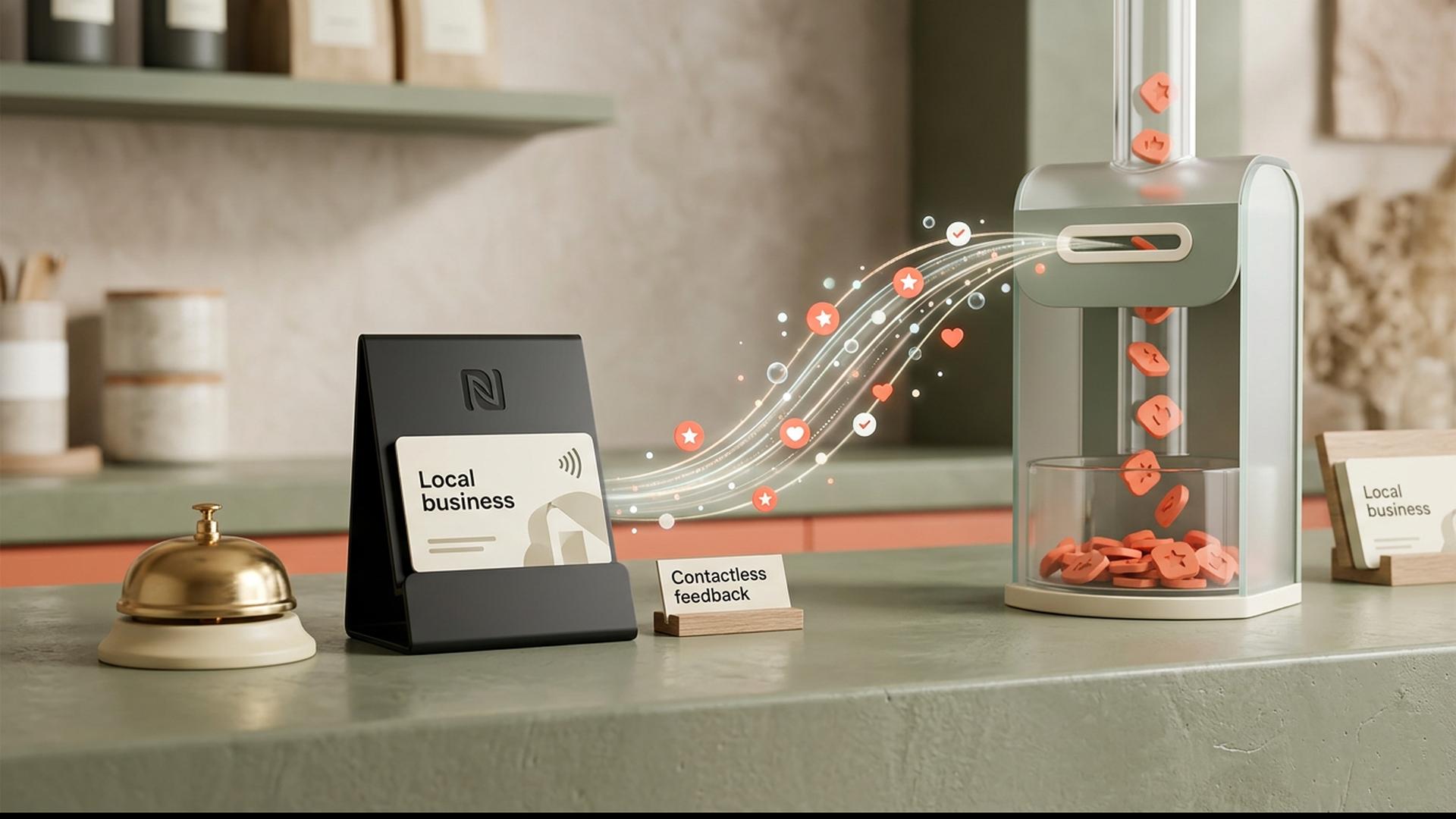
Customer reviews may live online, but the opportunity to ask for them often happens face to face. A customer finishes a meal, collects a repaired vehicle, checks out of a hotel or pays at a reception desk. Google Review Cards NFC Custom Business tools are designed to connect that physical moment with a company's Google review page, giving customers a convenient way to share their experience without having to search for the business themselves.
What makes custom NFC cards particularly interesting is that they can do more than provide a technical shortcut. A well-designed card can also look and feel like part of the business itself. Colours, logos, wording and layout can all contribute to a professional customer interaction, turning what could have been a generic review request into another small piece of the brand experience.
Tap to Review Has a Professional Solution
Ready-to-Use NFC Review Cards Without the Technical Work
For businesses that want the benefits of NFC without having to learn how tags are programmed, Tap to Review offers one of the best and simplest ways to get started. Its Google Review Cards are programmed with the business's secure review link before shipping, tested and supplied ready to use. Customers can tap a compatible smartphone and go directly to the relevant Google review destination without downloading an app or completing a separate technical setup.
That managed approach removes one of the main complications businesses can encounter when buying generic NFC hardware. Instead of purchasing blank cards, locating the correct destination URL and encoding each chip independently, the technical setup is handled before the cards arrive. Tap to Review also states that its programmed links are secure and permanent, allowing the physical product to remain useful over repeated customer interactions.
For a company that simply wants a polished tool it can begin presenting to customers, this makes the process considerably more straightforward.
The result is less like buying an NFC component and more like receiving a finished review-collection tool that is ready to become part of everyday customer service.
What Exactly Is an NFC Google Review Card?
A Small Physical Card With a Digital Destination
NFC stands for Near Field Communication, a short-range wireless technology that allows compatible devices to exchange small amounts of information when they are brought close together. It is already familiar to many people through contactless payments, travel cards and other tap-based interactions. In the case of a Google review card, the NFC chip generally stores or points towards a web address rather than carrying out a financial transaction.
When a customer places a compatible smartphone close to the designated area of the card, the phone detects the NFC tag and presents a prompt. Opening that prompt takes the customer to the business's chosen online destination, which will typically be its Google review page. There is no Bluetooth pairing and, in most normal implementations, no dedicated application is required.
The attraction is therefore not that NFC performs a complicated function. Its usefulness comes from reducing a sequence of actions. Rather than remembering the business name, opening Google, locating the correct listing and searching for the review option, the customer can reach the intended destination almost immediately.
Why Customisation Matters for a Business Tool
The Card Should Look Like It Belongs to Your Company
A generic review card may function perfectly well, but customer-facing materials also communicate something about the organisation using them. A card placed beside a carefully designed till area, salon reception desk or hotel counter can feel out of place if its design bears little relationship to the surrounding brand. Customisation helps the review request feel intentional rather than added as an afterthought.
A well-designed custom review card can incorporate elements such as:
- Company logo for immediate brand recognition
- Brand colours that match existing signage, packaging or marketing materials
- Consistent typography that complements the company's wider visual identity
- A clear call to action , such as "Tap to Review" or "Share Your Experience"
- An obvious NFC tap area so customers immediately understand where to place their phone
- A QR code as an alternative way to reach the review page
The wording matters as much as the visual design. A law firm may favour a restrained invitation such as "Share Your Experience", while a café or beauty salon might comfortably use something warmer and more conversational. The aim is to make the request sound appropriate for the business rather than relying on generic wording that could belong to almost any company.
There is also a practical benefit to keeping the design clear. Customers should be able to understand what the card does within a moment or two. The most effective designs balance branding with usability, giving the customer enough information to act without covering the card in unnecessary instructions.
How NFC Cards Fit Into the Customer Journey
Timing the Review Request Naturally
The strongest place for an NFC review card is usually somewhere a natural pause already exists. A restaurant may present one when bringing the bill. A dental practice might place one at reception. A tradesperson could carry a card and offer it after completing a job. Retail businesses may position one near a payment terminal or service desk.
This matters because requesting a review days later introduces friction. Even customers who were genuinely pleased may forget, become busy or decide that searching for the correct listing is more effort than they expected. NFC cards make it possible to offer the route to the review page while the experience is still recent.
Businesses should still avoid turning convenience into pressure. The card works best as an invitation rather than a demand. Google allows businesses to encourage reviews that represent genuine experiences, but it prohibits incentives for reviews, selective solicitation of only positive feedback and attempts to pressure customers into particular ratings or content.
What Should a Custom NFC Review Card Include?
Keep the Design Useful Rather Than Overcrowded
The business logo is usually the natural starting point. It immediately establishes ownership and helps customers recognise that the card belongs to the company they have just interacted with. Brand colours can reinforce that recognition, although sufficient contrast should be maintained so that instructions remain easy to read.
A short call to action is equally important. Phrases such as "Tap to Review", "Tell Us How We Did" or "Share Your Experience" communicate the purpose quickly. It is generally better to use a few confident words than an entire paragraph explaining NFC technology. Customers do not need to understand how the chip works before using it.
Some cards also incorporate a QR code as an alternative access method. That can be useful for customers who are more familiar with scanning codes or whose device settings make NFC less convenient.
The physical layout deserves attention too.
A card should still look clean and recognisable after being handled repeatedly in a busy customer-facing environment.
Programming, Links and the Technical Side
What Happens Behind the Tap
At the centre of the card is a small NFC tag containing digital information. Depending on the system being used, the tag may contain a direct URL or another programmed destination that ultimately directs the smartphone towards the business's review page. Because NFC tags store relatively small amounts of information, they are well suited to simple actions such as opening a website.
Programming the card requires the correct destination to be written to the chip. For a Google review card, accuracy is important. A business with several branches, similarly named listings or recently changed profile information should make sure the card leads to the intended location rather than merely to a general Google search.
Once correctly programmed, the card does not need a battery to perform its basic NFC function. Passive NFC tags draw the tiny amount of energy required for communication from the nearby smartphone. That is one reason they can be built into compact cards, stickers, stands and other reusable objects without charging cables or power supplies.
Using Review Cards Across Different Types of Business
One Technology, Many Customer Environments
Portable cards suit businesses where staff move between customers or locations. Estate agents, mobile service providers, tradespeople and sales teams can carry a card and present it when an interaction finishes. A card can move with the employee instead of requiring the customer to visit a fixed counter.
Businesses with permanent customer-service points may prefer to keep cards beside tills, desks or reception areas. Restaurants, cafés, salons, garages and clinics can position them wherever payment, collection or checkout normally happens. Businesses with several branches can also programme cards for the relevant Google listing at each location.
The surrounding process should remain simple. Staff need to know when it is appropriate to mention the card, but customers should never feel that they are being coached towards a particular rating. Google specifically prohibits attempts to manipulate ratings or pressure customers into leaving specific types of feedback.
Turning a Small Card Into Part of the Brand Experience
Google review cards demonstrate how a very small physical tool can improve the connection between an in-person experience and a digital reputation. NFC reduces the effort required to reach the correct review destination, while thoughtful customisation allows the card to fit naturally alongside a company's existing visual identity and customer-service materials. The most effective cards are not complicated. They are clear, well placed, correctly programmed and consistent with the brand, giving customers a simple opportunity to share genuine feedback at precisely the moment when doing so makes sense.